BrushBuds
A mobile game that teaches young kids to brush their teeth through play, repetition, and rewards.
The Challenge
A mobile app that teaches children aged five to seven how to brush their teeth through engaging gameplay, repetition, and personalized rewards.
Advised by Andres Zapata · Maryland Institute College of Art
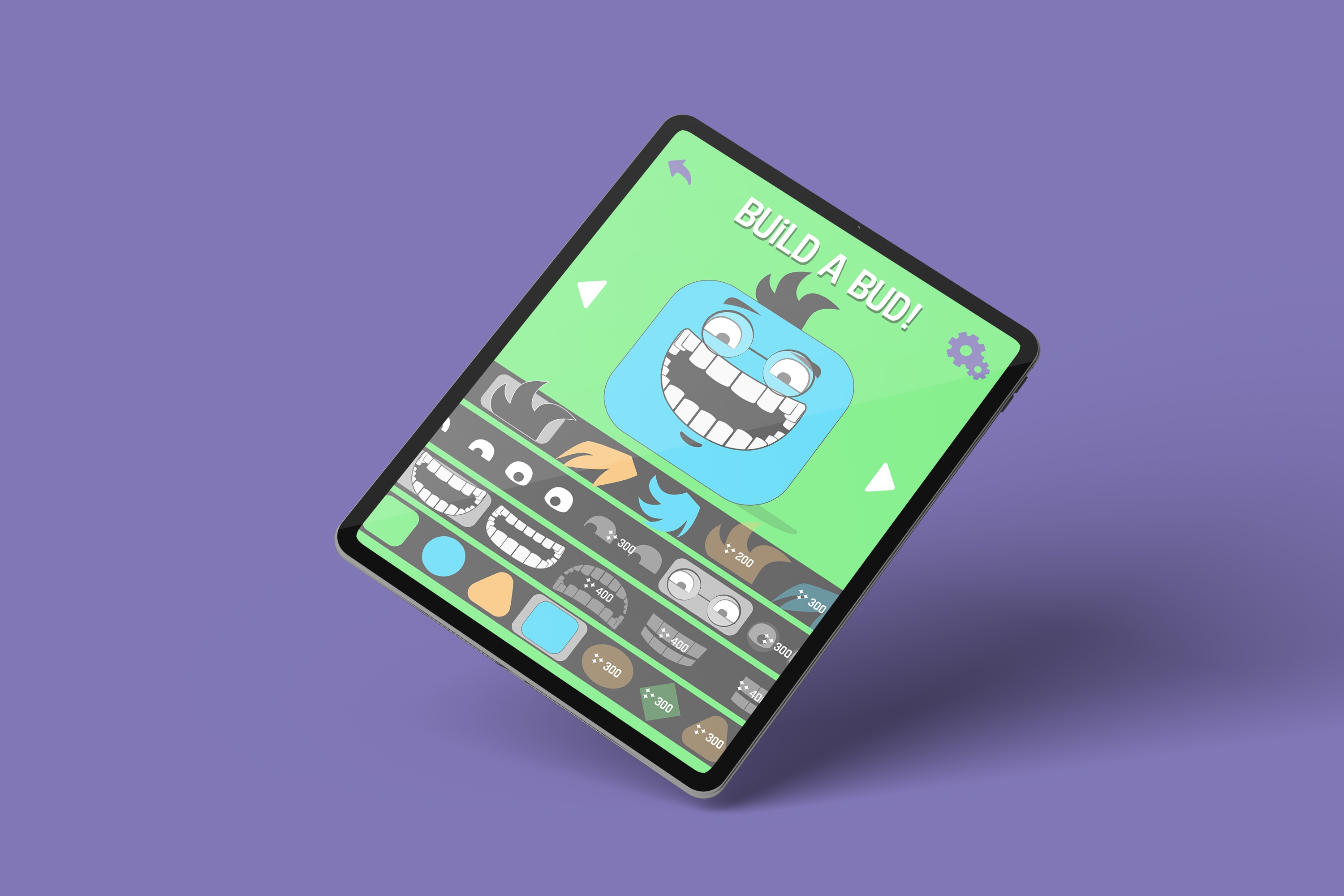
BrushBuds is a mobile app that teaches children how to brush their teeth through engaging gameplay and comprehensive rewards. Using simple game mechanics, children practice specific motions, learn through repetition, advance in levels, and achieve personalized goals to earn cosmetic rewards.
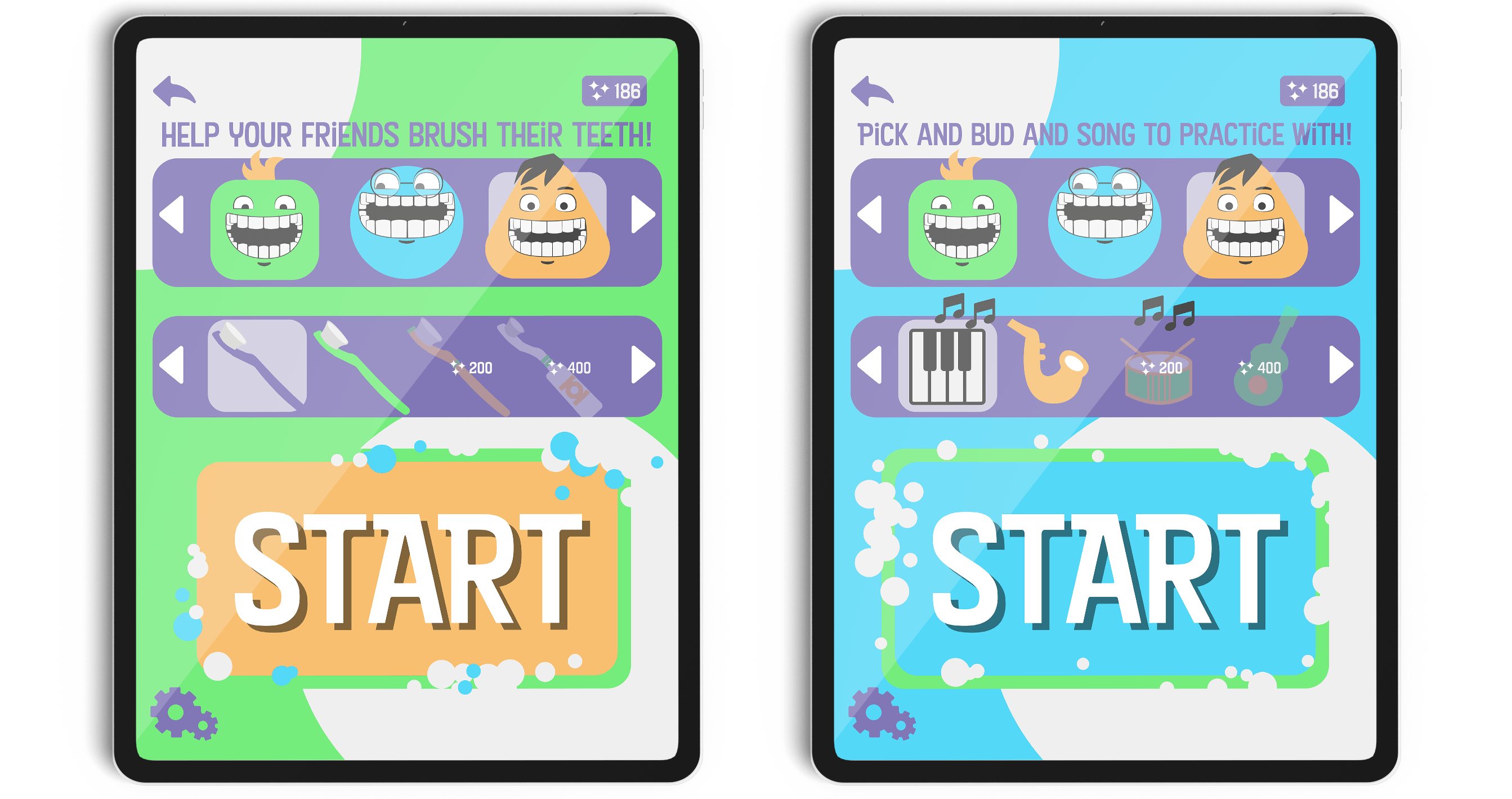
The two central game modes are Play Mode and Practice Mode — active and passive respectively. Play Mode is where the child learns through repetition; Practice Mode creates a controlled environment that guides the user through the tooth-brushing process in real time.
Designing for children
In researching development for children aged five to seven, I established some design precedents:
- Use very few words, due to lower reading comprehension.
- Lean into abstracted shapes; don’t rely on learned signifiers.
- Be wary of information overload — only one moving object at a time. When in doubt, simplify.
- Provide feedback for every interaction, especially for children still learning spatial relationships between the physical and digital world.
- Always favor positive feedback over negative. When they choose a wrong answer, direct them to the right one. Kids act first and examine consequences later.
- Repetition is key in child learning — they don’t get bored as easily as adults do.
- Don’t underestimate the user’s intelligence or willingness to take on a challenge. Give them something to overcome and advance.
Navigation & modes
The navigation needed to be approachable for children, so I emphasized large buttons and images. The Play pathway opens Play Mode and Bud customization, while the Practice pathway starts a guided routine — it was important that the two modes read as immediately distinct. Tips and Rewards are supplementary screens reachable from the main menu, and Settings can be opened from any screen, with extra content unlocked by a parent via password.
Play & Practice
In Play Mode, the user progresses through a series of levels, using gesture touches to move the toothbrush around the mouth, performing objectives to fend off sugar and remove build-up. Practice Mode is a guided two-minute routine meant to be played in the morning and again at night — a song plays and the child acts out what’s happening on screen.
Rewards
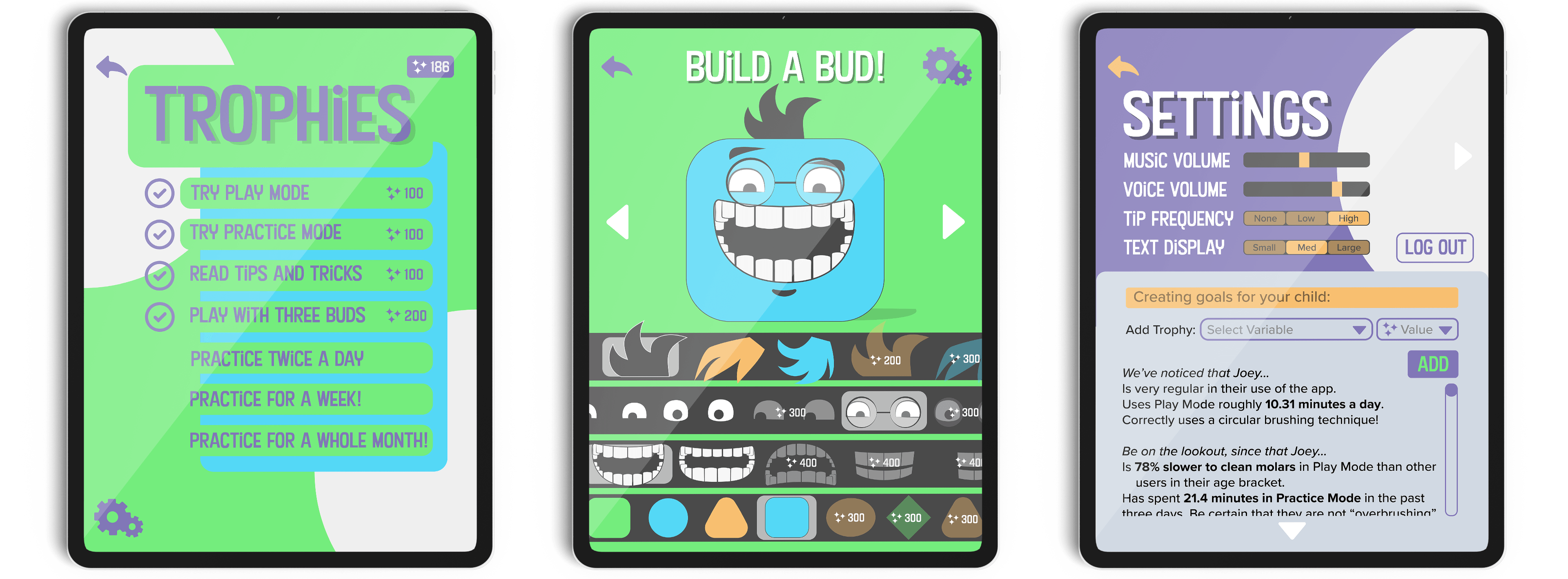
The rewards system lets parents take a more active role in their child’s learning if they choose to. In the parent-unlocked Settings pane, adults can set their own parameters for earning trophies and see a statistical breakdown of potential problem areas.
Completing tasks — playing different modes, reading tips, and consistently practicing morning and night — earns Sparkles, a currency used to customize your Buds and buy new toothbrushes and songs.